Vanilla Chernarus
- Install Arma 2: DayZ Mod (opens in a new tab) from Steam.
- Launch it and hit Connect on the server you want.
Quality, nostalgic DayZ Mod and DayZ Epoch servers on Arma 2: Operation Arrowhead. We're built on respecting all players and making sure everyone has an enjoyable time.
4 servers in Australia and the US. Questions? We're on Discord (opens in a new tab).
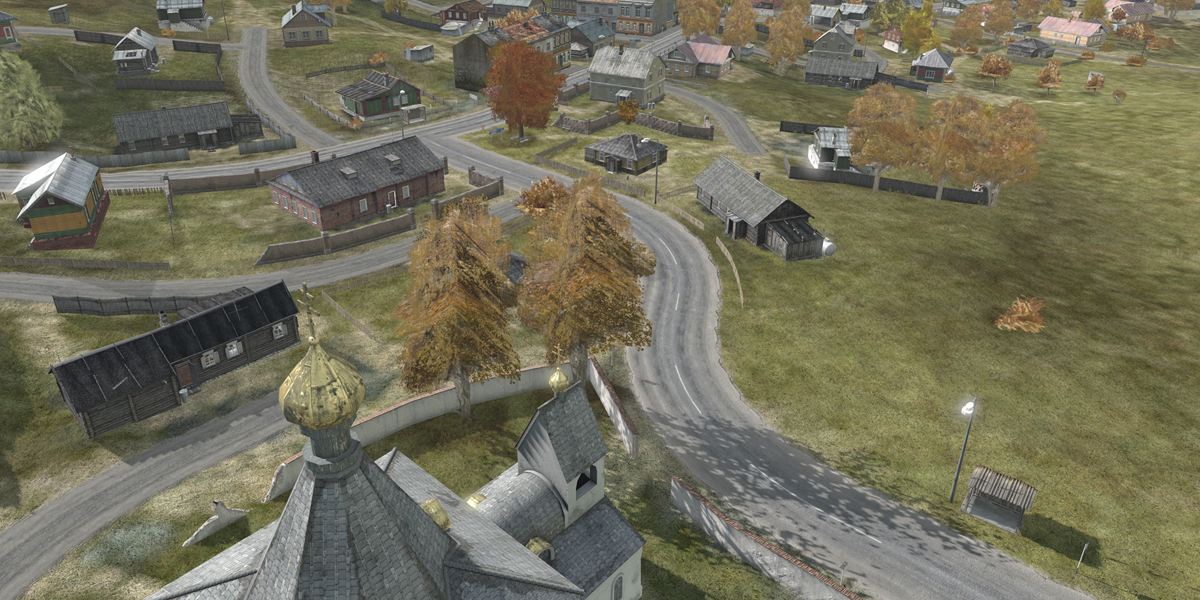
Connect opens Arma 2: OA through Steam. You can also paste the address into the in-game browser.
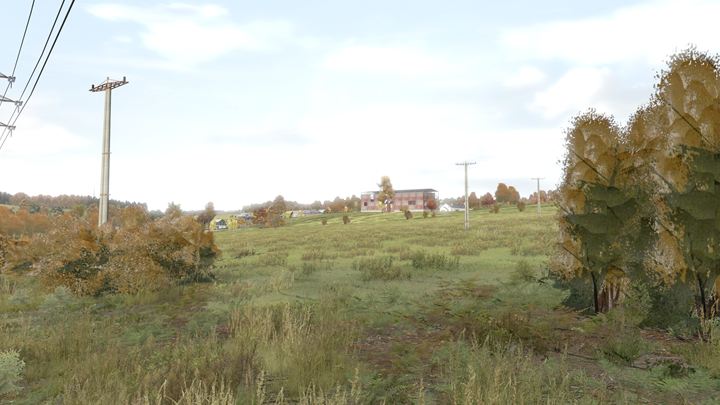
Classic vanilla DayZ Mod on the Chernarus map.
Runs straight from Steam. Setup
203.96.179.82:2302
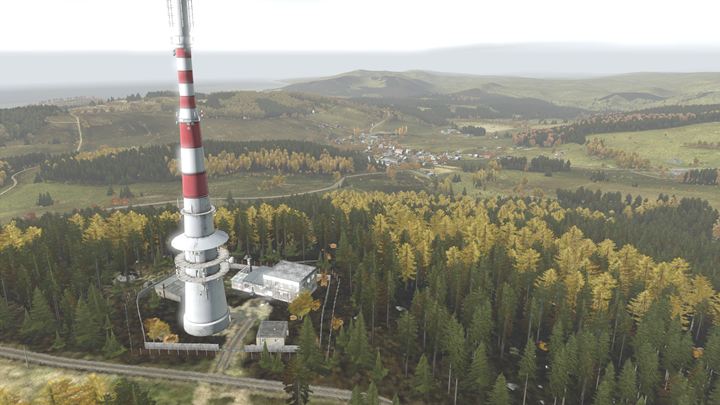
DayZ Epoch on Chernarus with traders and roaming AI.
Needs the DayZ Epoch files. Setup
203.96.179.122:2302
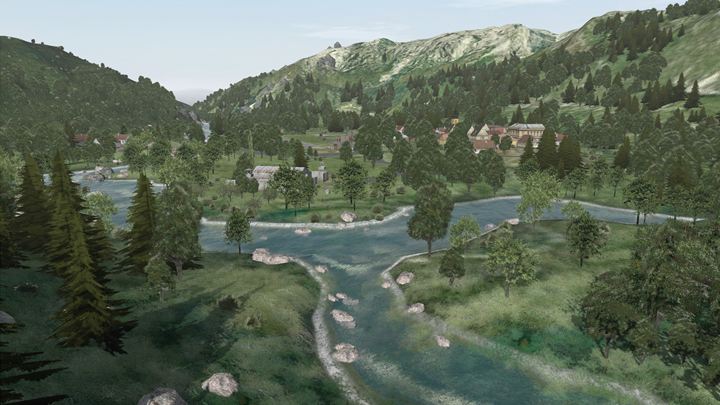
DayZ Epoch on the Panthera map with traders and roaming AI.
Needs the DayZ Epoch and Panthera files. Setup
203.96.179.122:2312
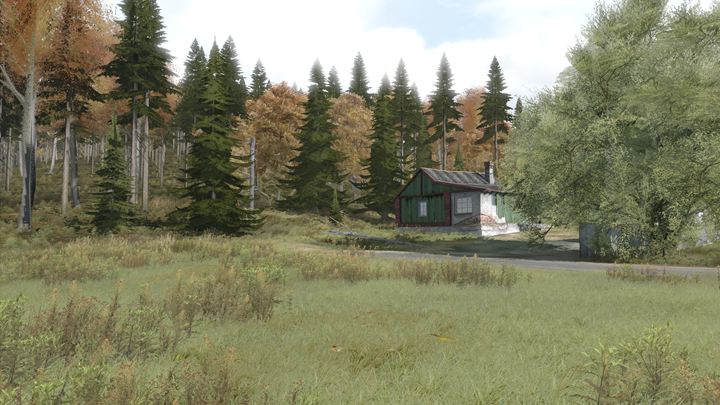
Classic vanilla DayZ Mod on the Chernarus map.
Runs straight from Steam. Setup
103.170.155.10:2302
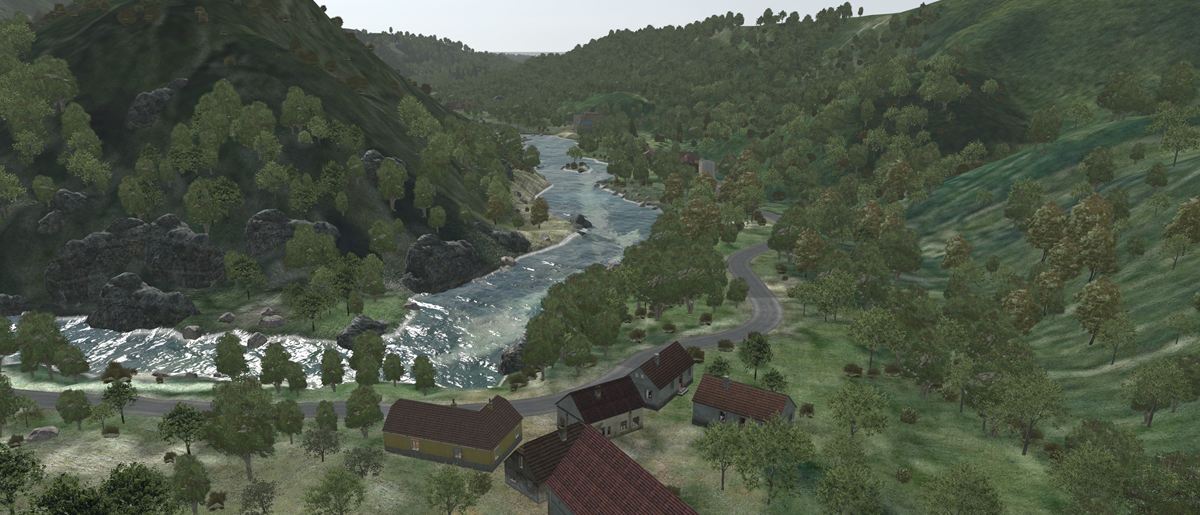
The vanilla servers run straight from Steam. For Epoch, download the files, extract them into your Arma 2: Operation Arrowhead folder, then add the launch options in Steam under the game's Properties → Launch options.
Default install folder
C:\Program Files (x86)\Steam\SteamApps\common\Arma 2 Operation Arrowhead
-skipIntro -world=empty -nopause -nosplash -mod=@DayZ_Epoch
-skipIntro -world=empty -nopause -nosplash -mod=@DayZEpochPanthera;@DayZ_Epoch